Our Unfollowers Tracker Not Working? Fix These Common Problems
In most cases the problem is not the tool but the downloaded and uploaded data. For example, sometimes users enter a wrong username or upload a zip file with the wrong format and incomplete data, which causes major problems in tracking unfollowers.
Our tool works best with the well-structured data zip file provided by Meta Platforms. It contains a structured followers and following list that helps our tool to compare data properly and return unfollowers as result.
Here are some common issues. Once fixed, you can track unfollowers without any difficulty.
Instagram ZIP File Not Uploading
You download an Instagram zip file but the tool refuses to process it. It’s a very common issue that occurs mostly due to a poor internet connection or if the original zip file was modified after downloading it. Our tool works correctly for structured data created by Meta Platforms.
To solve it you should have to upload the original zip file exactly as it was downloaded from Instagram. If you still face an issue, refresh the page and try again. Refreshing pages can solve 90% of issues.
Wrong File Format Selected:
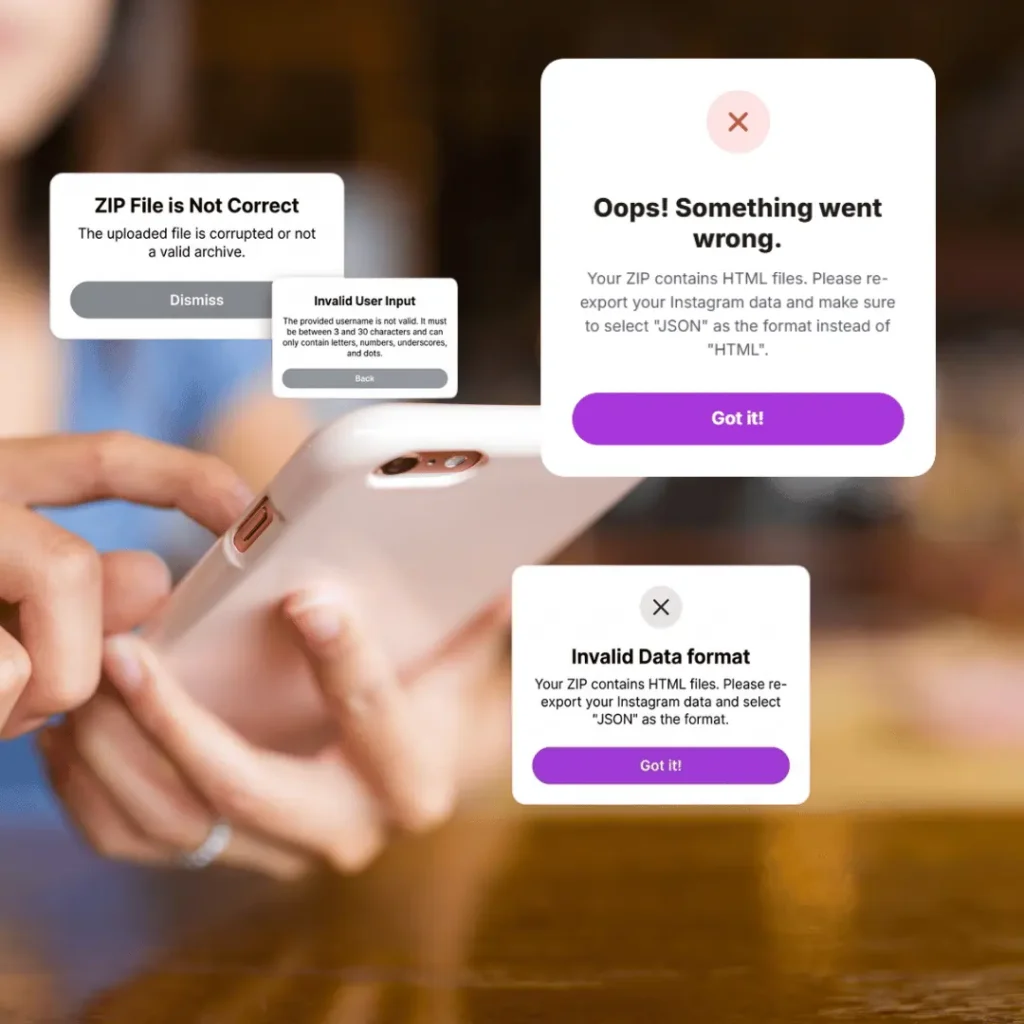
If the error “Choose a valid file with JSON format” occurs. It means your zip file contains data in HTML format, which cannot easily be analysed by our system. Our system processes files with JSON because it contains structured datasets. When you upload data from Instagram HTML format is selected by default.
The best solution is to request the export again and select JSON format.
Shows Incomplete Data:
Sometimes the tracker shows no results or incomplete results. This error occurs due to the missing “Connection Folder” in your zip files. This folder contains your followers and following data. When our system finds no data in the connection folder, it shows incomplete results.
The solution is to upload a full zip file instead of extracting it manually.
Username Not Detected:
Enter a username but the message “Enter a valid username” appears. This error occurs due to typing a wrong username or username of deleted/blocked accounts. The best way is to copy your username directly from your Instagram profile and paste it into unfollowers tracker.
Upload Process Takes Too Long:
Sometimes tools load slowly due to slow connection speed or browser performance. Large Instagram accounts generate large export files because they contain more followers and followings. Clear the browser cache and use a fast connection to solve this issue.
Check Before Uploading Your File | Final Advice:
Most problems users face while uploading zip files are related to the Instagram data export rather than the tool itself. Follow these steps to track unfollowers without any problem and confusion:
- Never upload an unzipped file
- Make sure the original zip downloaded from Instagram
- Confirm the files contain JSON format
- Ensure a completely downloaded zip without modification
Still facing a problem? Contact us and we’ll fix it